
Home / Guides / How to Set Up a VPN
FindVPN guide

How to set up a VPN on your devices.

Choose a provider, create an account, download the official application from the provider or device store, then sign in. Select a server location that makes sense for your connection and test that ordinary browsing still works.

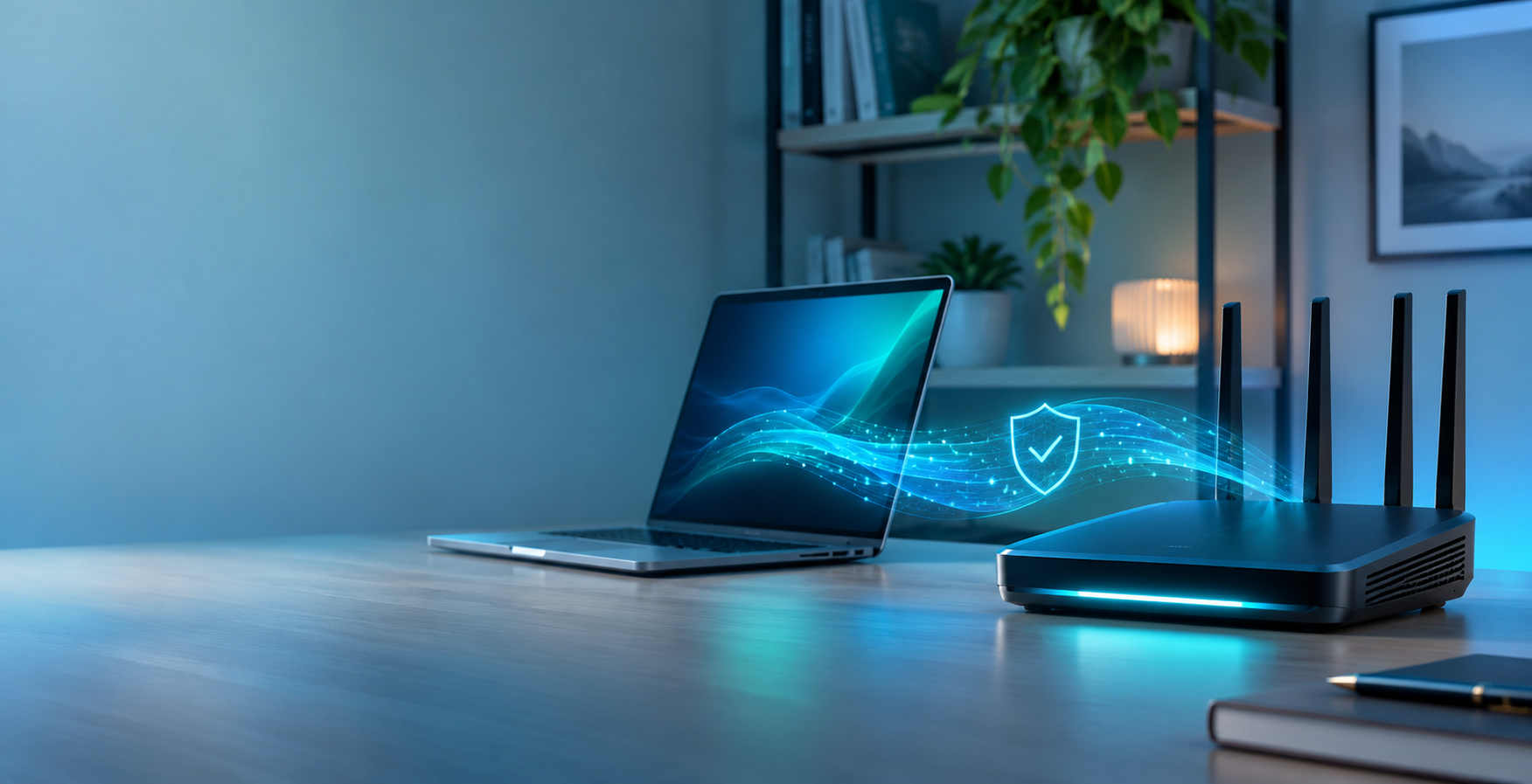
Home router and laptop with a secure VPN connection

Review app settings

Look for options such as auto-connect on untrusted networks, a kill switch where available and which apps use the VPN. Settings names differ by provider, so use their current help documentation.

Next step

Use this information to form a shortlist, then verify current terms directly with the provider before making a purchase decision.